Begin with the product inside
A format is more than a silhouette. List the things the product needs: protection from crushing, moisture or light; a way to portion it; a way to close it again. Then ask a packaging supplier which materials and constructions meet those needs. A handsome mockup does not establish barrier performance or suitability for food contact.
Think about how the package stands
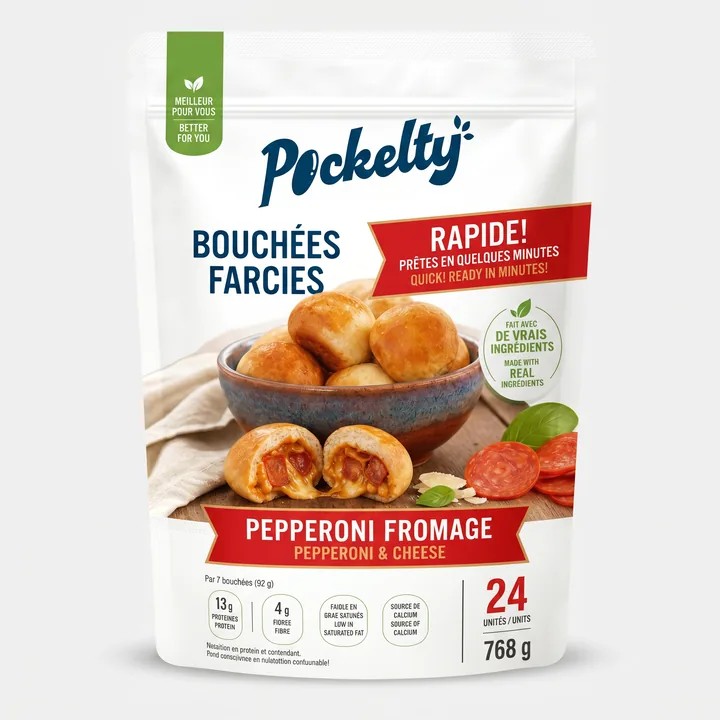
A stand-up pouch can offer a broad front with relatively little structure, but its shape changes as it fills and empties. A carton gives you predictable flat faces and a crisp edge, but may need an inner container or liner. Compare filled dimensions and the space each option occupies, not just their flat artwork templates.
Design around the areas you lose
On a pouch, seals, zips and gussets reduce the usable artwork area. On a carton, folds, flaps and glue panels do the same. Keep important words away from those boundaries. Ask for the supplier's actual template rather than borrowing a visually similar shape and hoping it will convert.
Compare the same identity on both
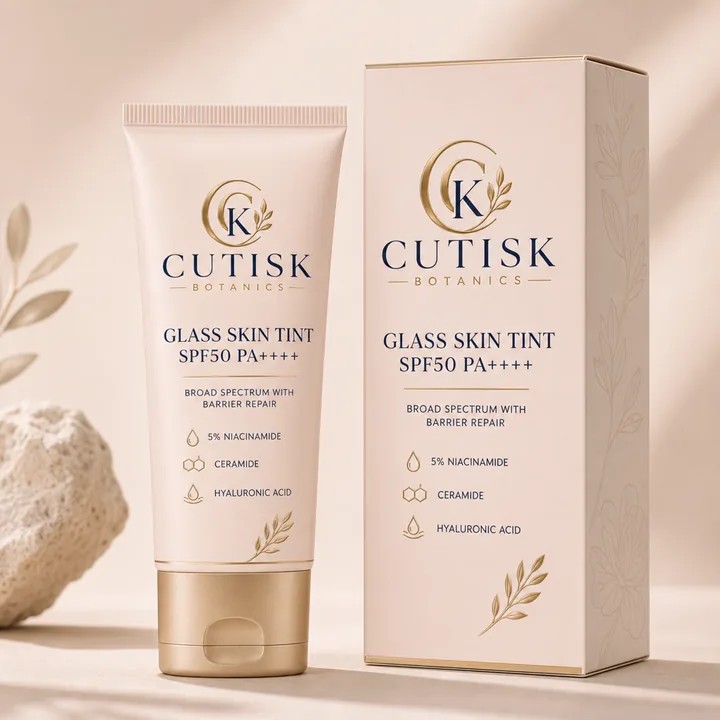
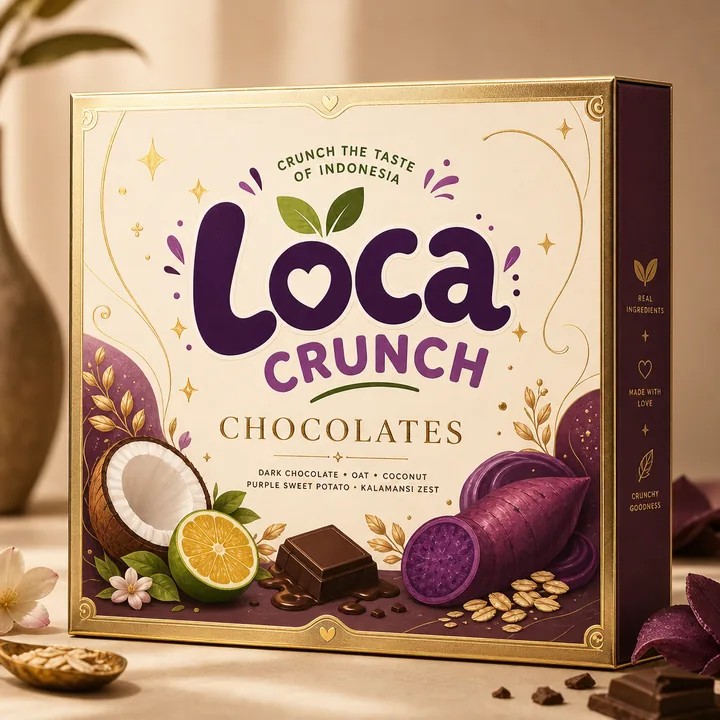
Place a simple version of your brand on a pouch and a carton mockup in CraftyWand. Use the same product name, colour and visual device. This exposes what the format contributes, instead of confusing a better illustration with a better package. Inspect the side and back as carefully as the front.
Bring the supplier into the decision early
Before committing to a format, compare minimum quantities, filling method, lead time and how the package will travel. Those facts can change the design brief. Keep the mockups as a shared visual reference while the supplier confirms the construction. Choose the format that works through the entire journey.
Put the idea to work.
Choose a model, bring your own artwork and start building in CraftyWand.
Open CraftyWand free ↗Useful starting points
CraftyWand: current tools and free account access · Dieline library · Pacdora: current plans and features